
mobile / Live
Status Saver
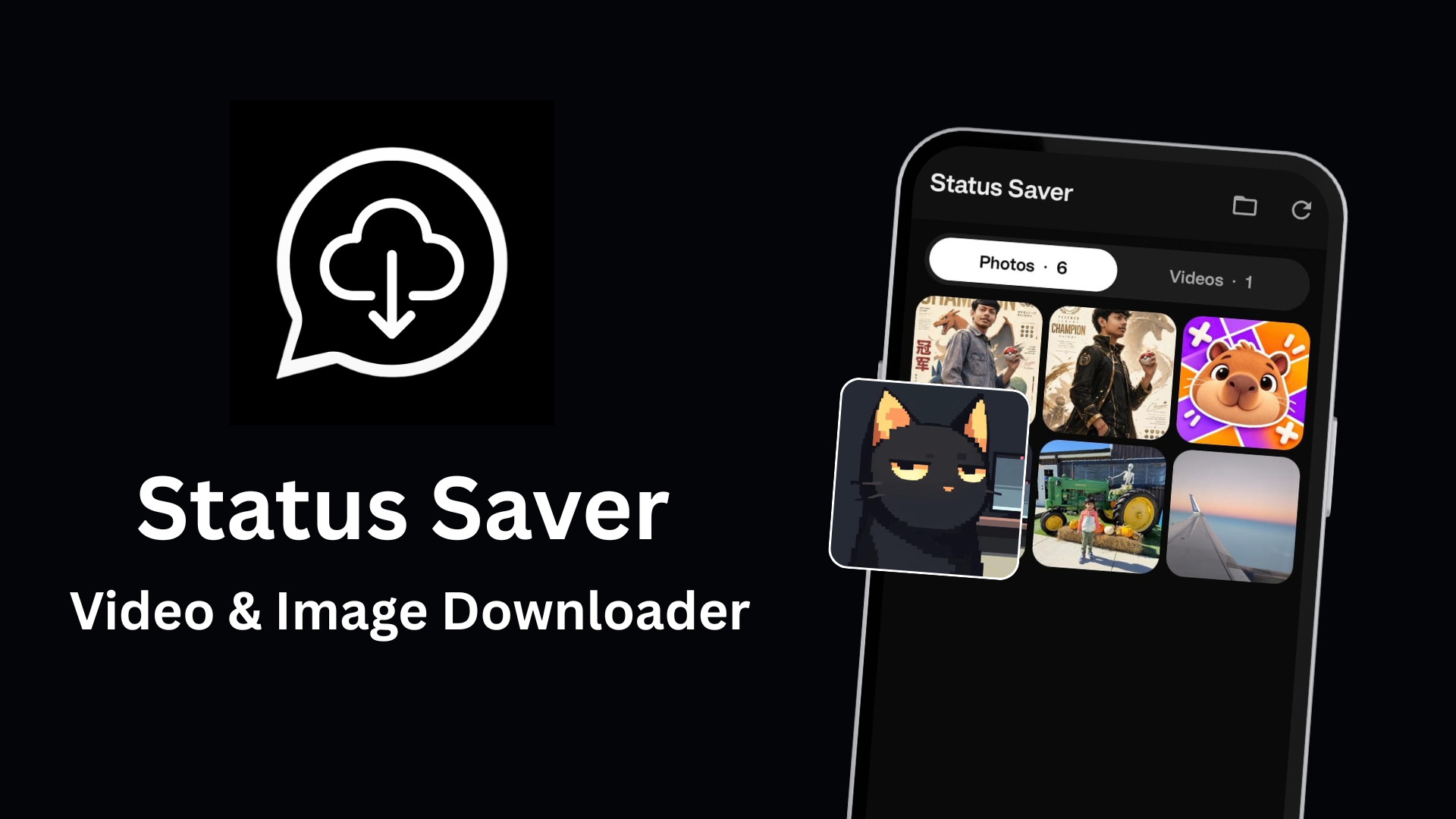
Save WhatsApp status videos and photos in one tap. Fast & offline.
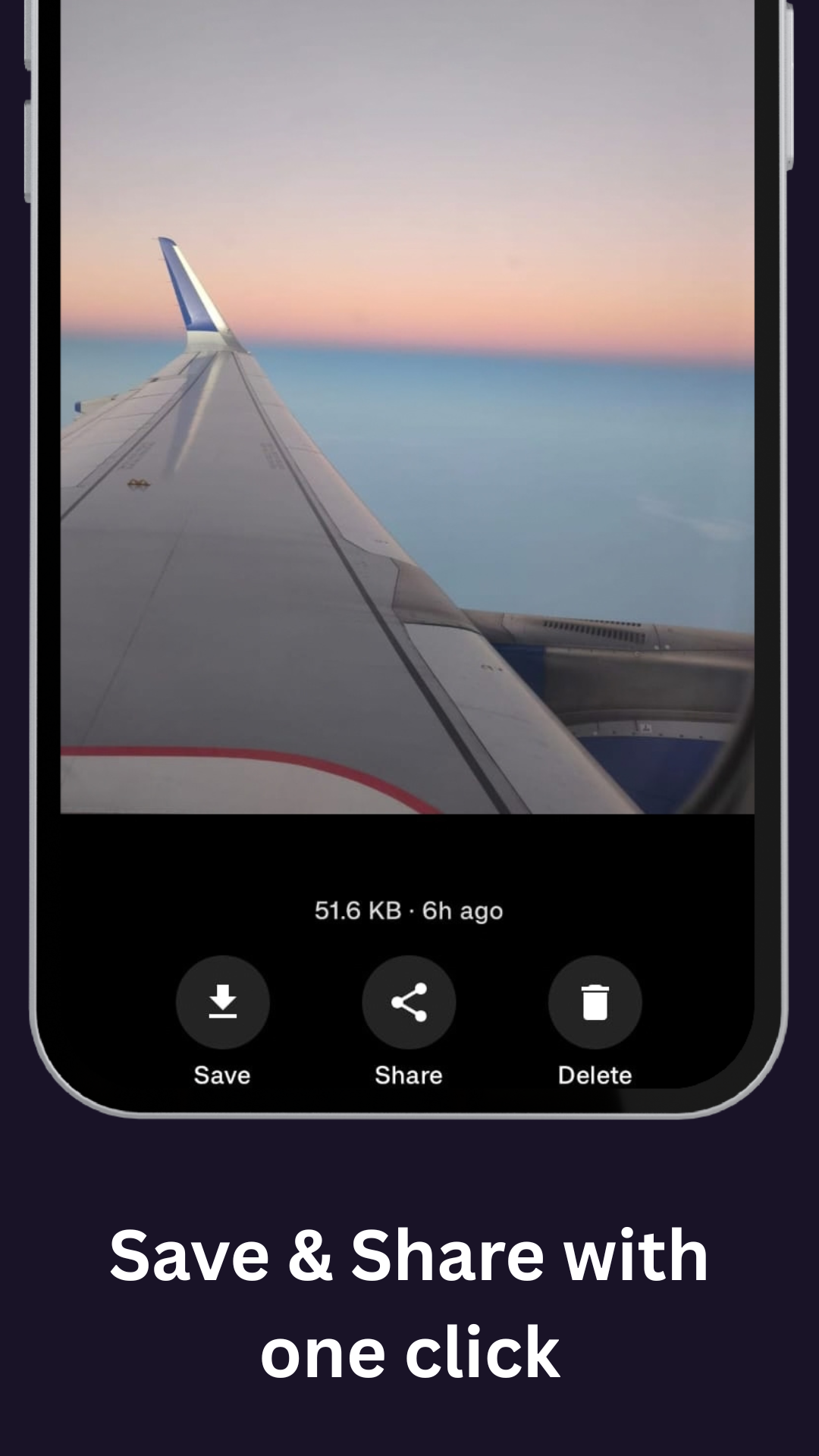
Open WhatsApp or WhatsApp Business and view a status you want to keep. Then open Status Saver, choose the photo, video, or GIF, and tap save. Your download appears in the built-in gallery, ready for offline viewing. Save multiple statuses together, browse photos and videos in separate tabs, and share or repost saved media from the app. Direct Chat lets you start a WhatsApp conversation without saving a number to your contacts. Status Saver is an independent app and is not affiliated with or endorsed by WhatsApp or Meta. Please get permission from the content owner before reposting anything you save.
Available on
1 tap
Save a status
Offline
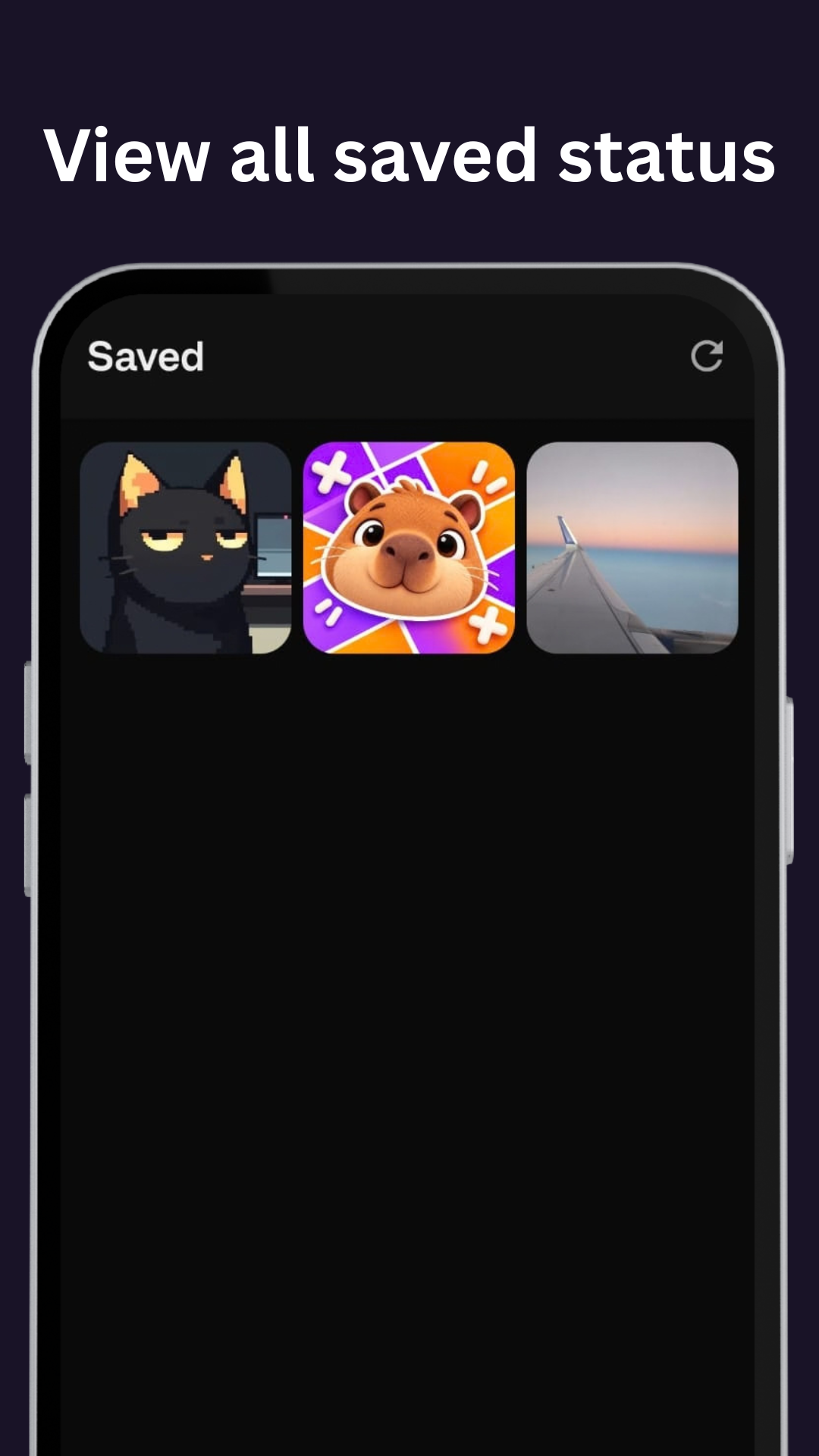
Built-in gallery
No
Account needed
AdMob
Ad-supported
See it in action
Screenshots from Status Saver
What it includes
Save in One Tap
View a status in WhatsApp, then save its photo, video, or GIF to your gallery.
WhatsApp and WhatsApp Business
Browse viewed statuses from either WhatsApp app after selecting its status folder.
Photos, Videos, and GIFs
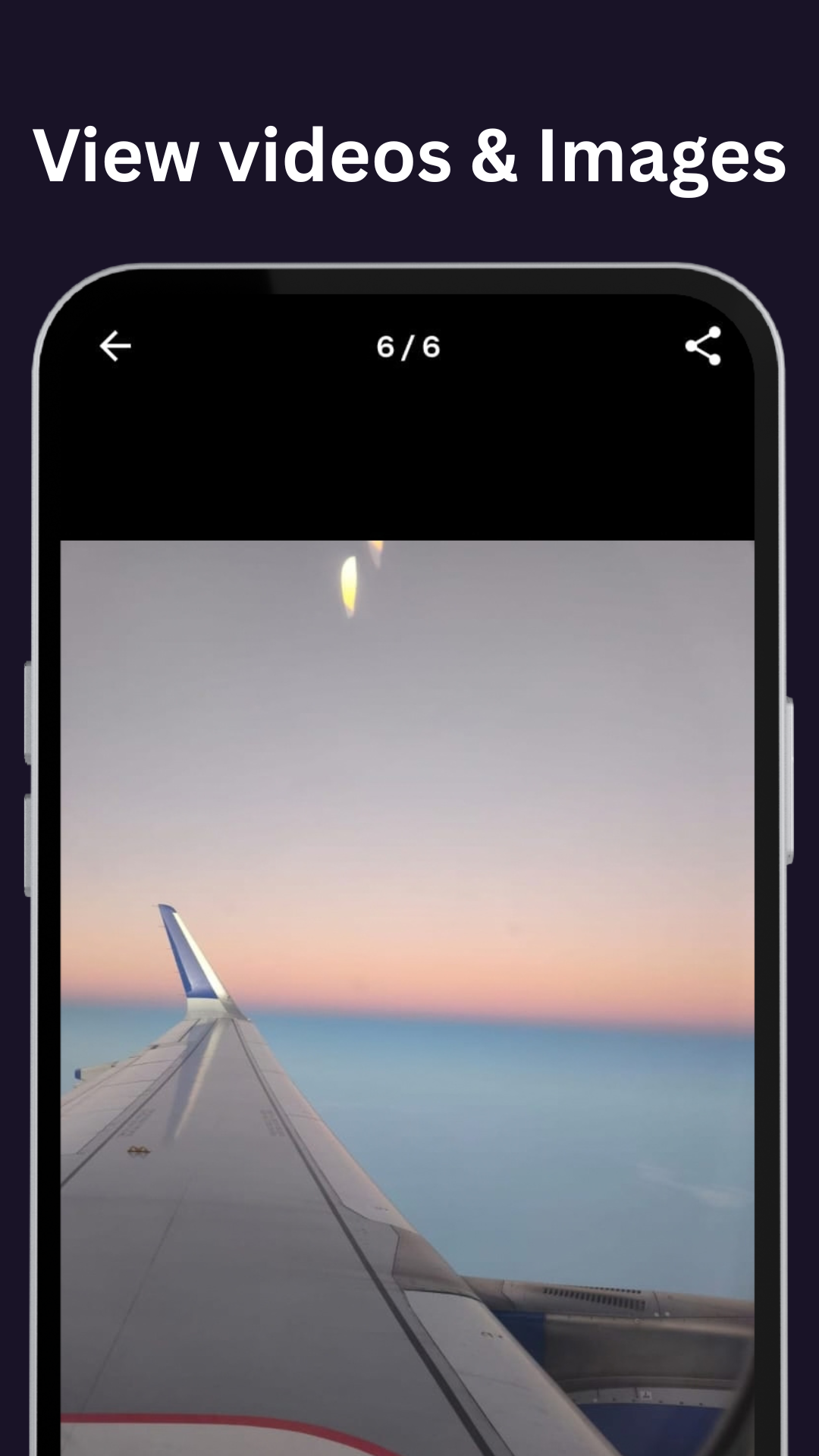
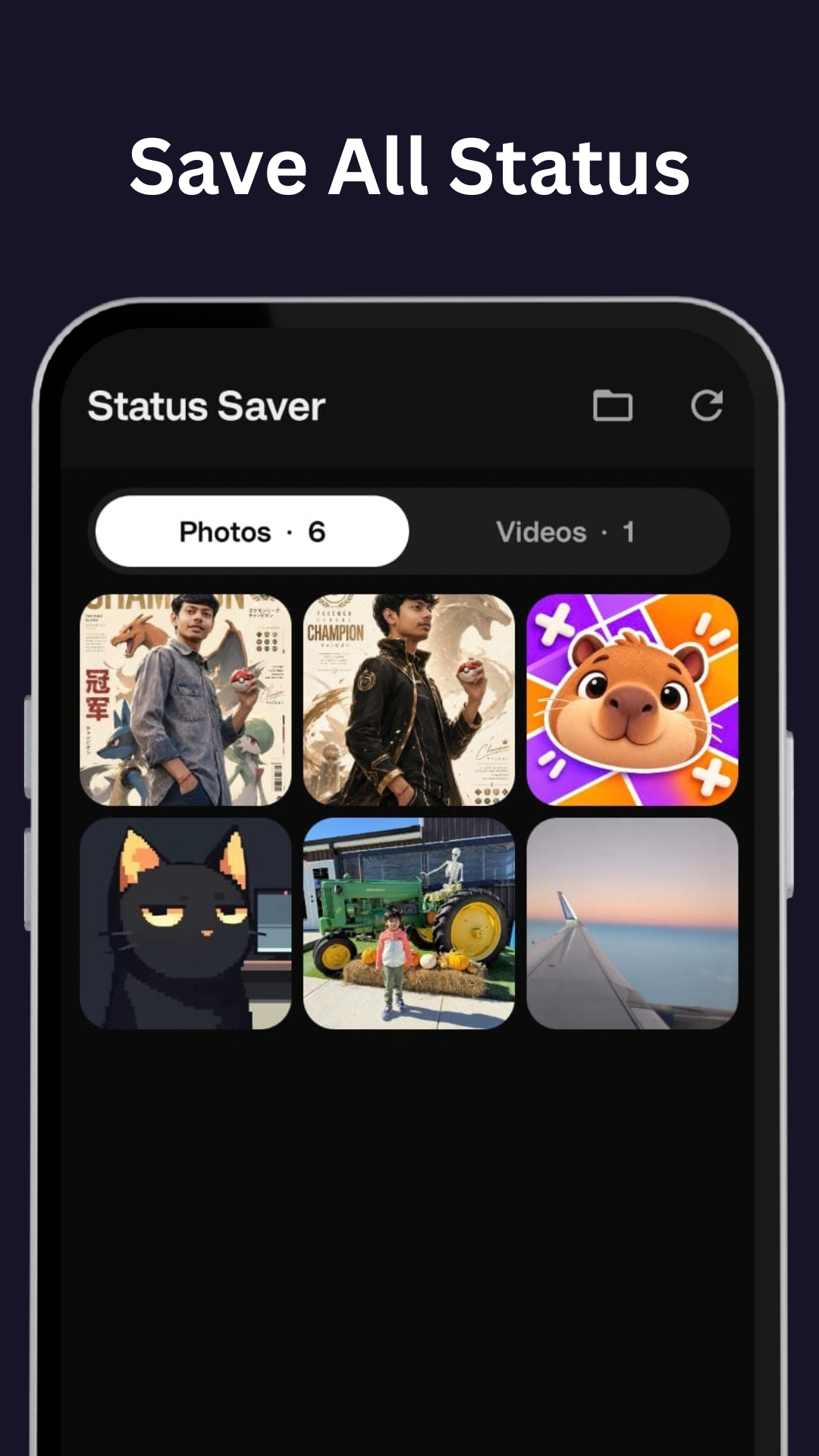
Keep the status media you want, with separate tabs for photos and videos.
Built-in Gallery and Offline Player
Find saved statuses in one place and play videos offline on your device.
Bulk Downloads
Select several statuses and save them together instead of one by one.
Share or Repost
Send saved media to another app from the gallery. Get the content owner's permission before reposting.
Direct Chat
Start a WhatsApp chat with a number without adding it to your contacts first.
Lightweight and Fast
A simple way to find viewed statuses, save what you want, and get back to it offline.
Common questions
View the status in WhatsApp or WhatsApp Business first. Open Status Saver, choose the status, and tap save. The copy appears in the app's gallery and your device gallery.
Yes. Status Saver can browse statuses from WhatsApp and WhatsApp Business after you select the matching status folder.
Yes. Saved media is copied to your device, so you can browse photos and play saved videos offline.
No. Status media is read and saved on your device. Status Saver does not upload it to Codemeoww servers. If you share a file or use Direct Chat, the selected destination app receives the information needed for that action.
We do not use a separate analytics service. Google Mobile Ads may automatically process ad interactions, diagnostics, and device identifiers for advertising and related purposes. See the privacy policy for details.
No. Status Saver is an independent app and is not affiliated with, sponsored by, or endorsed by WhatsApp or Meta.
Ready to try Status Saver?
Open WhatsApp or WhatsApp Business and view a status you want to keep. It's live. Try it here.