mobile / Live
KidLock
Block the apps you choose. Kids watch only the YouTube channels you approve.
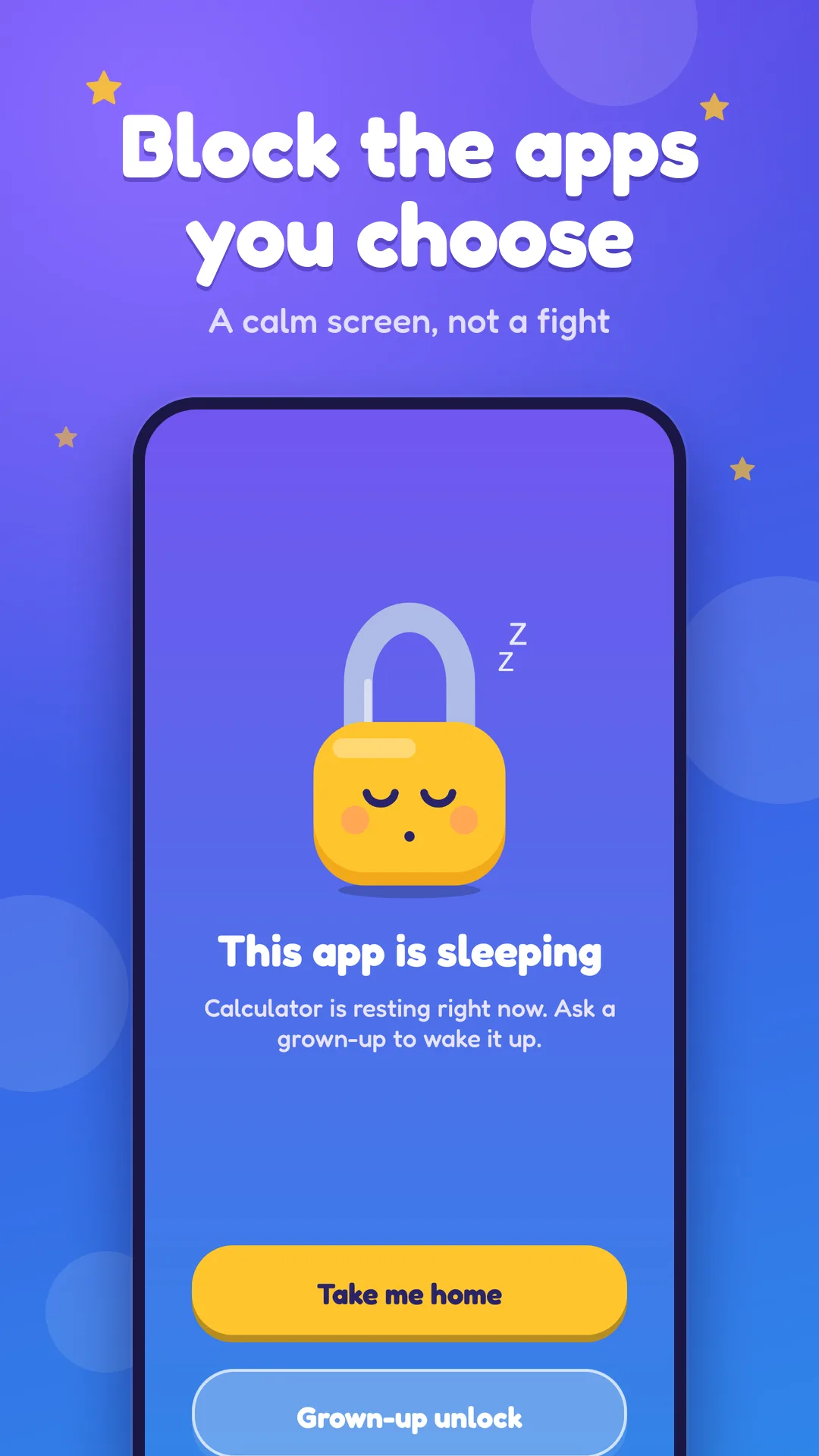
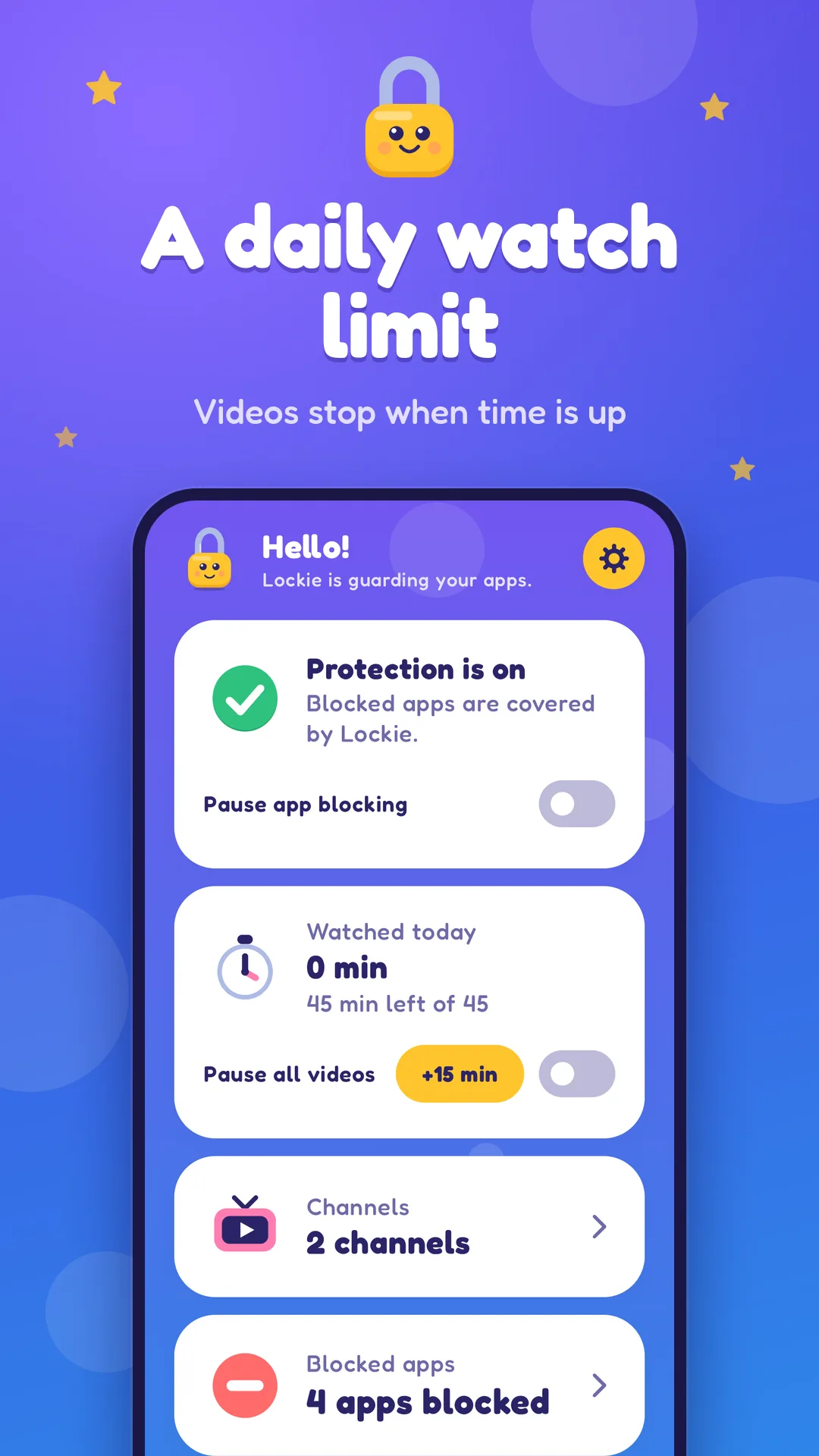
Lock the apps you choose, and let your child watch only the YouTube channels you approve. When a blocked app opens, KidLock covers it with a friendly "This app is sleeping" screen with Lockie, our little lock, and a "Take me home" button. Only a grown-up can open it again, with a PIN or fingerprint. Pick the YouTube channels your child may watch, from our list of kids channels, or search or add one by link. Your child gets one simple feed of those channels and nothing else. Videos play in YouTube's own player, and a daily watch limit stops videos when time is up. You can add 15 more minutes when you decide to. There are no accounts and no sign-up, and your choices stay on your phone. KidLock is not a launcher and does not use Accessibility. It helps you set limits, and works best next to the rules you already have at home. KidLock is not made by or affiliated with YouTube or Google. YouTube is a trademark of Google LLC. Questions or ideas? Write to [email protected].
Available on
PIN
Or fingerprint to unlock
0
Accounts or sign-ups
5
Colorful looks
No ads
From KidLock itself
See it in action
Screenshots from KidLock
What it includes
Block the apps you choose
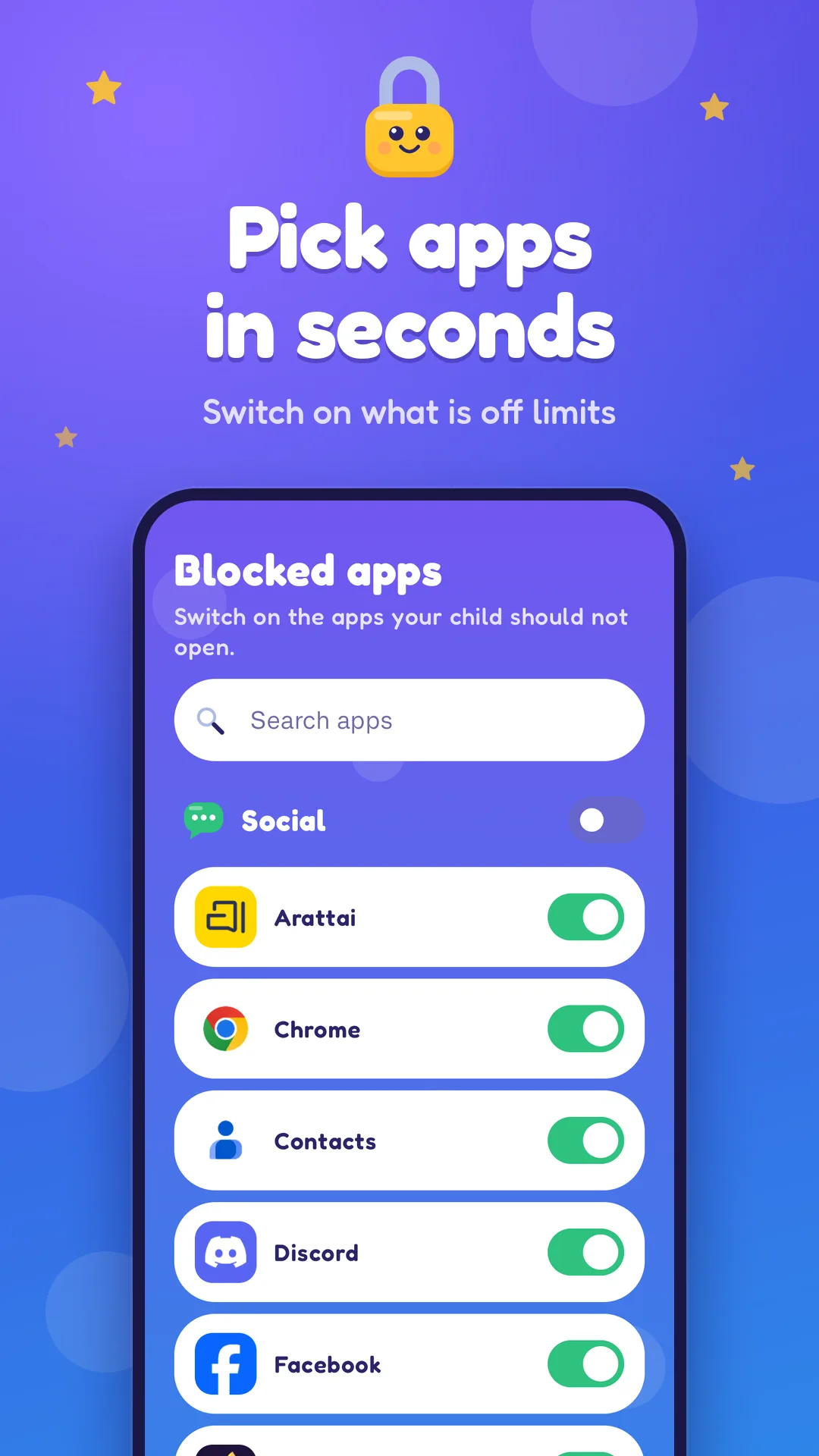
Switch on any installed app, from games and browsers to social apps. Pause blocking in one tap when you want a break.
A calm lock screen
Your child sees a friendly "This app is sleeping" screen with Lockie and a "Take me home" button. A calm screen, not a fight.
Unlock for a while
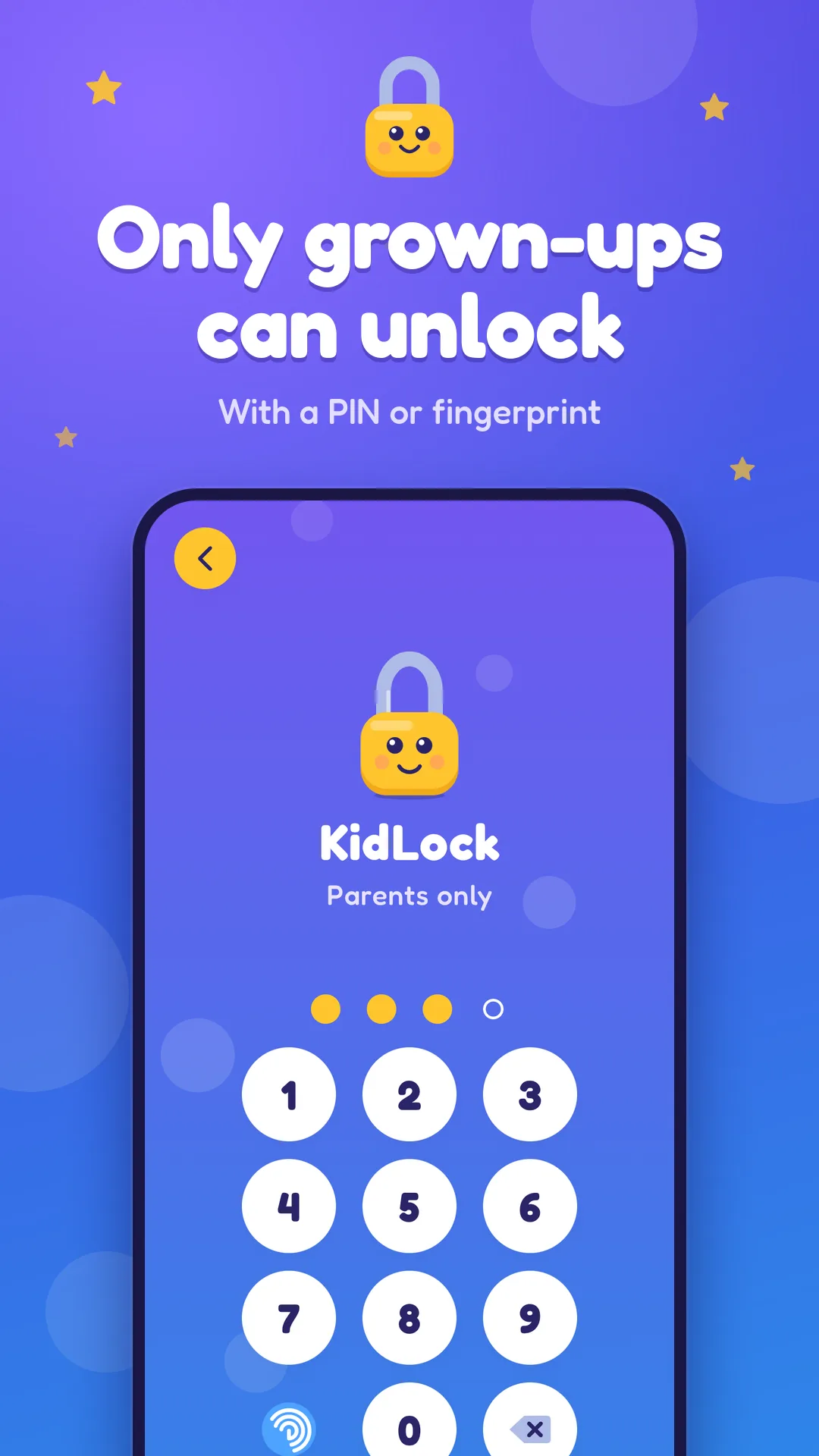
Open a blocked app yourself with your PIN or fingerprint. It locks again as soon as you leave, or after 5, 15 or 30 minutes.
Videos you approve
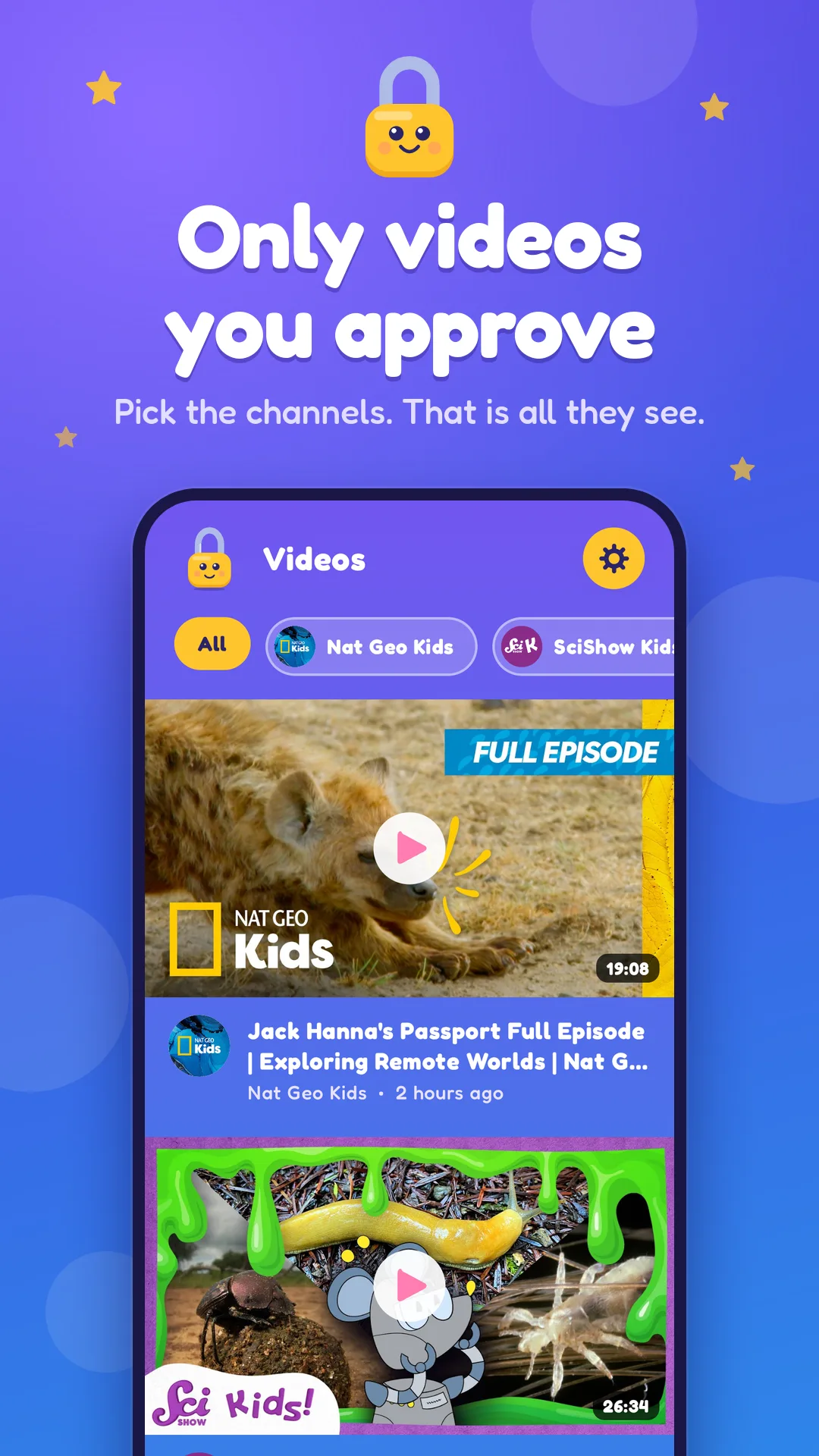
Pick YouTube channels from our list of kids channels, or search or add one by link. Your child gets one simple feed of those channels and nothing else.
YouTube's own player
Videos play in YouTube's privacy-enhanced embedded player. Pause all videos whenever you like.
Daily watch limit
Set a daily watch time. When it is used up, videos stop, and you can add 15 more minutes when you decide to.
Only grown-ups get in
The parent area is behind a PIN, with fingerprint if you want it. No accounts and no sign-up. Your choices stay on your phone.
Friendly to look at
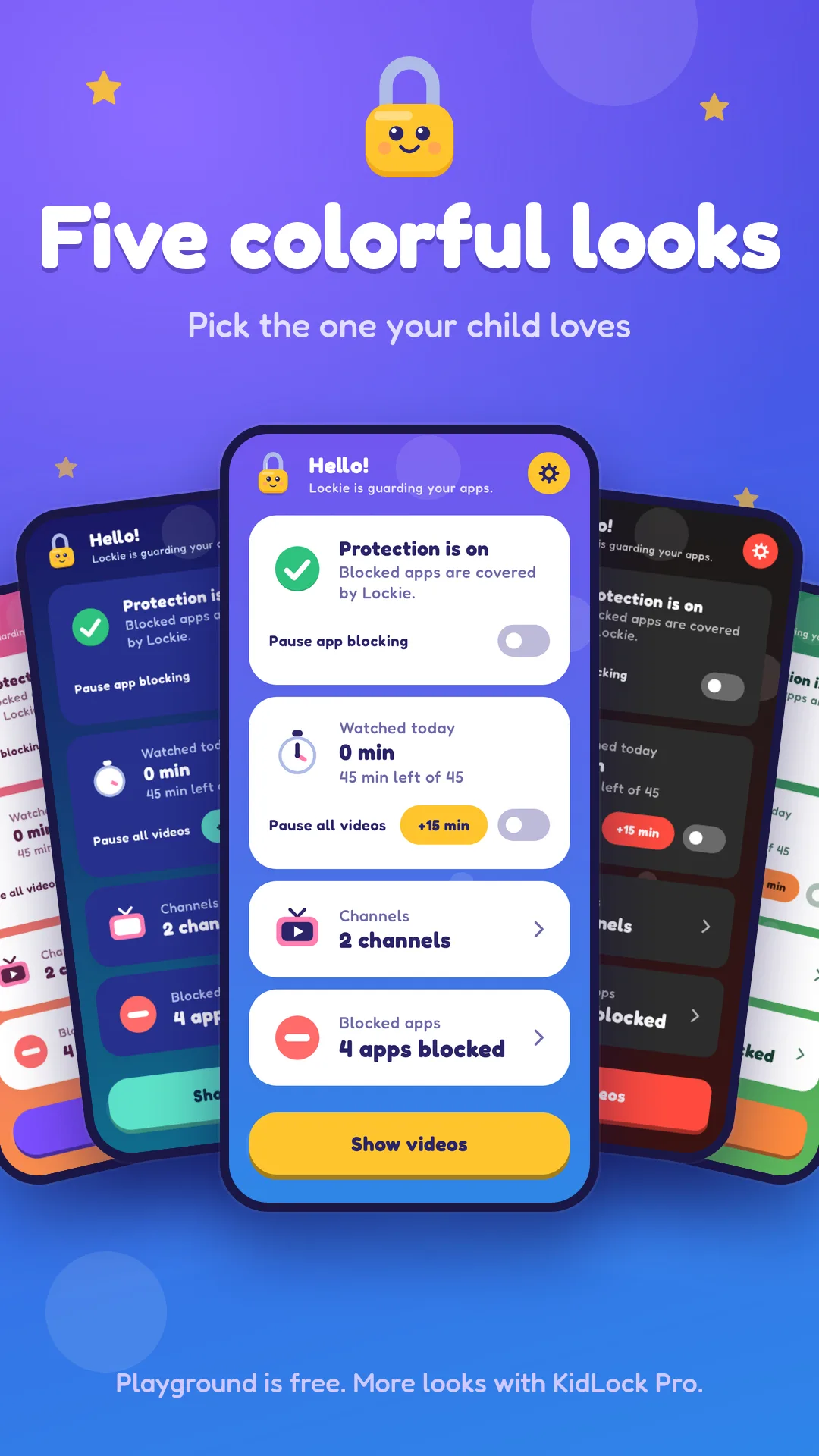
Bright, animated screens that feel like a game. Five colorful looks, with Playground free and the other four in KidLock Pro.
KidLock Pro
Unlimited channels, all five looks and new features first. A monthly or yearly subscription you can cancel any time in Google Play.
Plans and pricing
Compare plans and included features. No hidden fees. Cancel anytime. Start free.
Free
- Block the apps you choose
- PIN or fingerprint unlock
- Kid video feed with daily watch limit
- Up to 5 approved channels
- Playground look
- No ads from KidLock
KidLock Pro
- Everything in Free
- Unlimited approved channels
- All five looks
- New features first
- Cancel any time in Google Play
Questions about pricing? Send me an email.
Common questions
KidLock asks for two permissions that you turn on in Android settings. Usage access lets it see which app is open, and Display over other apps lets it show the lock screen on top of a blocked app. It uses them only for that, and it does not read what is inside other apps. A small background service keeps the lock running, so you will see a notification. On some phones you also need to let KidLock run in the background, and the setup walks you through it.
No. KidLock is not a launcher and does not use Accessibility. It works through Usage access, Display over other apps and a foreground service.
Tap the grown-up unlock on the lock screen and enter your PIN or use your fingerprint. The app stays open until you leave it, or for 5, 15 or 30 minutes, depending on your choice.
Free includes up to 5 channels and the Playground look. KidLock Pro adds unlimited channels, all five looks and new features first. It is a monthly or yearly subscription, and you can cancel any time in Google Play. There is no one-time purchase. See Google Play for current prices.
KidLock itself shows no ads. Videos play in YouTube's own player, so YouTube may show its own ads. Made for Kids videos get only non-personalized ads.
No. There are no accounts and no sign-up. Your PIN, block list, channels and settings stay on your phone.
No. KidLock is not made by or affiliated with YouTube or Google. YouTube is a trademark of Google LLC.
Write to [email protected] with questions or ideas.
Ready to try KidLock?
Lock the apps you choose, and let your child watch only the YouTube channels you approve. It's live. Try it here.