
mobile / Live
Budget Bunny
Cute money manager with budgets, bills, savings goals and split expenses.
Meet Penny, the soft white bunny who makes tracking money feel friendly instead of stressful. Budget Bunny is a cute, simple money manager, expense tracker and budget planner. No ads, no account, no sign-up, and no bank or SMS access needed. Log an expense or income in a couple of taps with a big, easy amount pad, quick-add buttons and dozens of illustrated categories. Set monthly or weekly budgets with alerts as you near the limit, and see a clear "safe to spend" number on your home screen. Add bills with due dates and get a reminder before each one, and set savings goals with a target and a deadline. Split an expense with friends and keep track of who owes you. Keep cash, bank, savings, debit and credit card accounts, move money between them without it counting as spending, and spend in another currency while keeping the original amount. Charts, search and weekly and monthly recaps show where your money goes. Everything works offline, with your entries stored on your phone. Lock the app with your fingerprint or face, and back up to a file you can restore on any phone. Home screen widgets, light and dark looks, and a hand-drawn Penny who cheers on your logging streaks make it feel good to use. The free app covers everyday tracking, with 5 budgets, 3 goals and 5 bills. Budget Bunny Plus removes those limits and adds yearly reports, spreadsheet and PDF export, custom categories, receipts, any-currency conversion, all themes and outfits, and more widgets. Questions or ideas? Write to [email protected].
Available on
No ads
No account or sign-up
Offline
Entries stay on your phone
0
Bank or SMS access
Widgets
Including Safe to spend
See it in action
Screenshots from Budget Bunny
What it includes
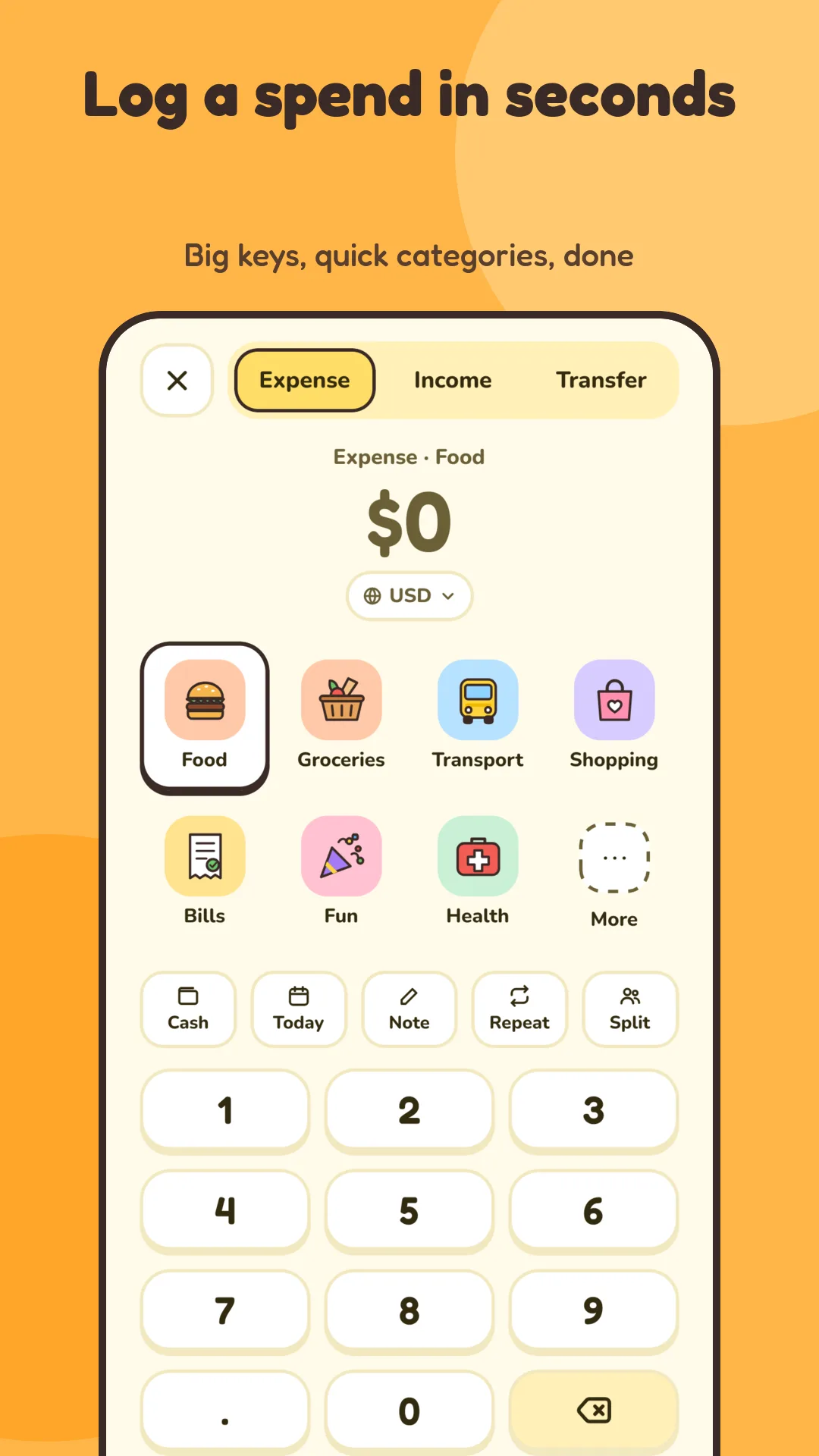
Log in seconds
Add an expense or income with a big, easy amount pad, quick-add buttons and dozens of illustrated categories. Repeat entries for rent, salary and subscriptions.
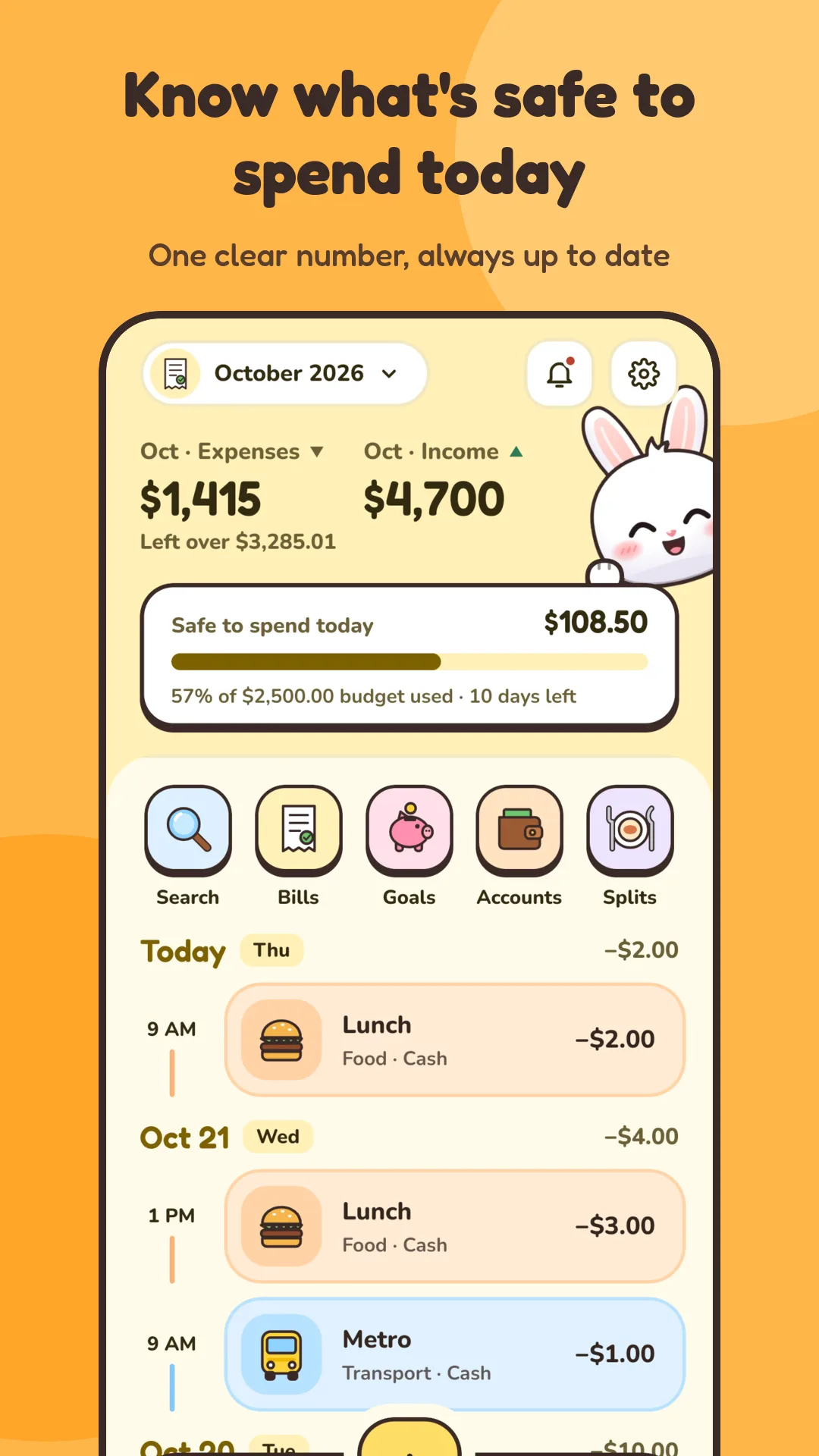
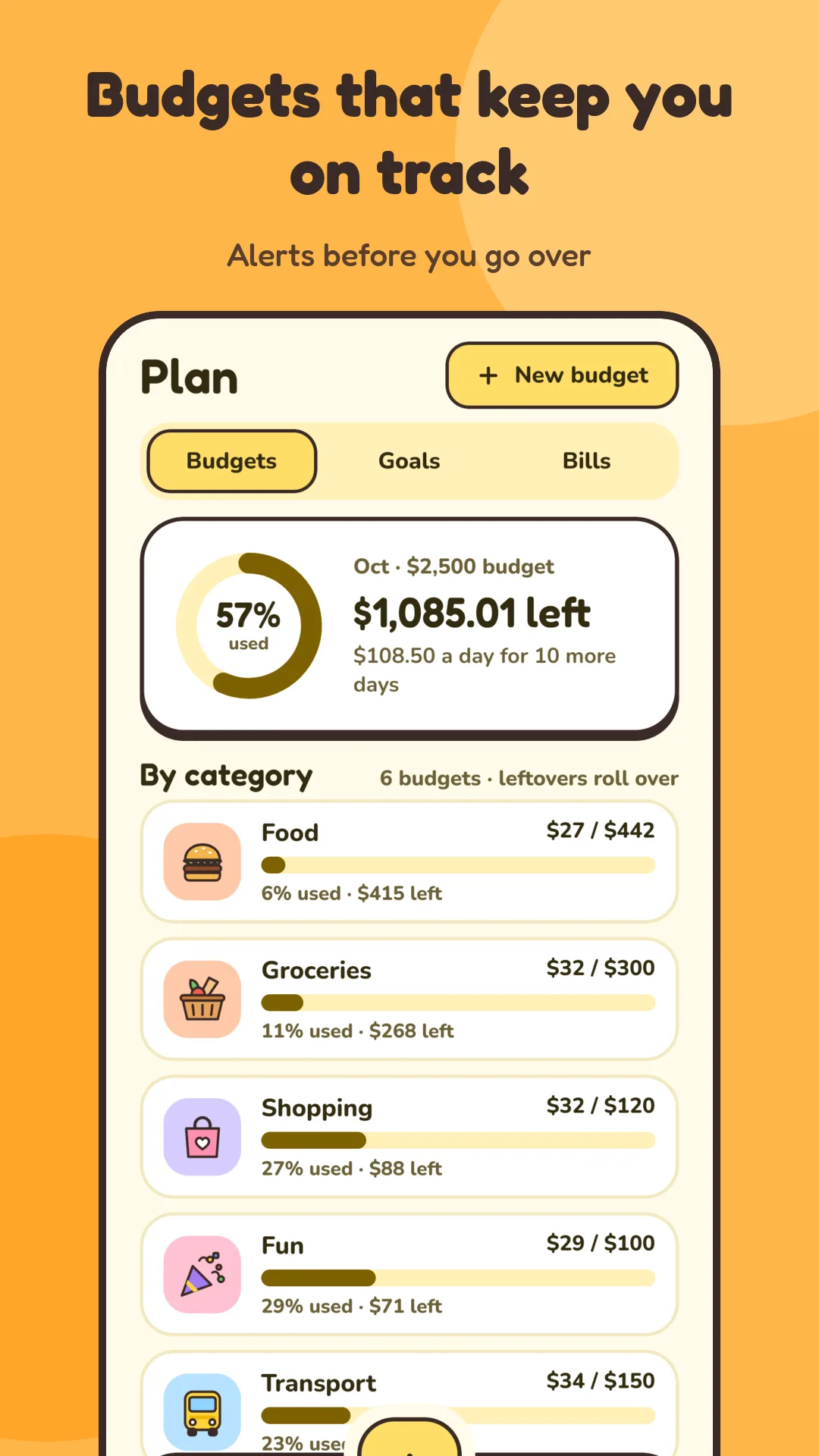
Know what is safe to spend
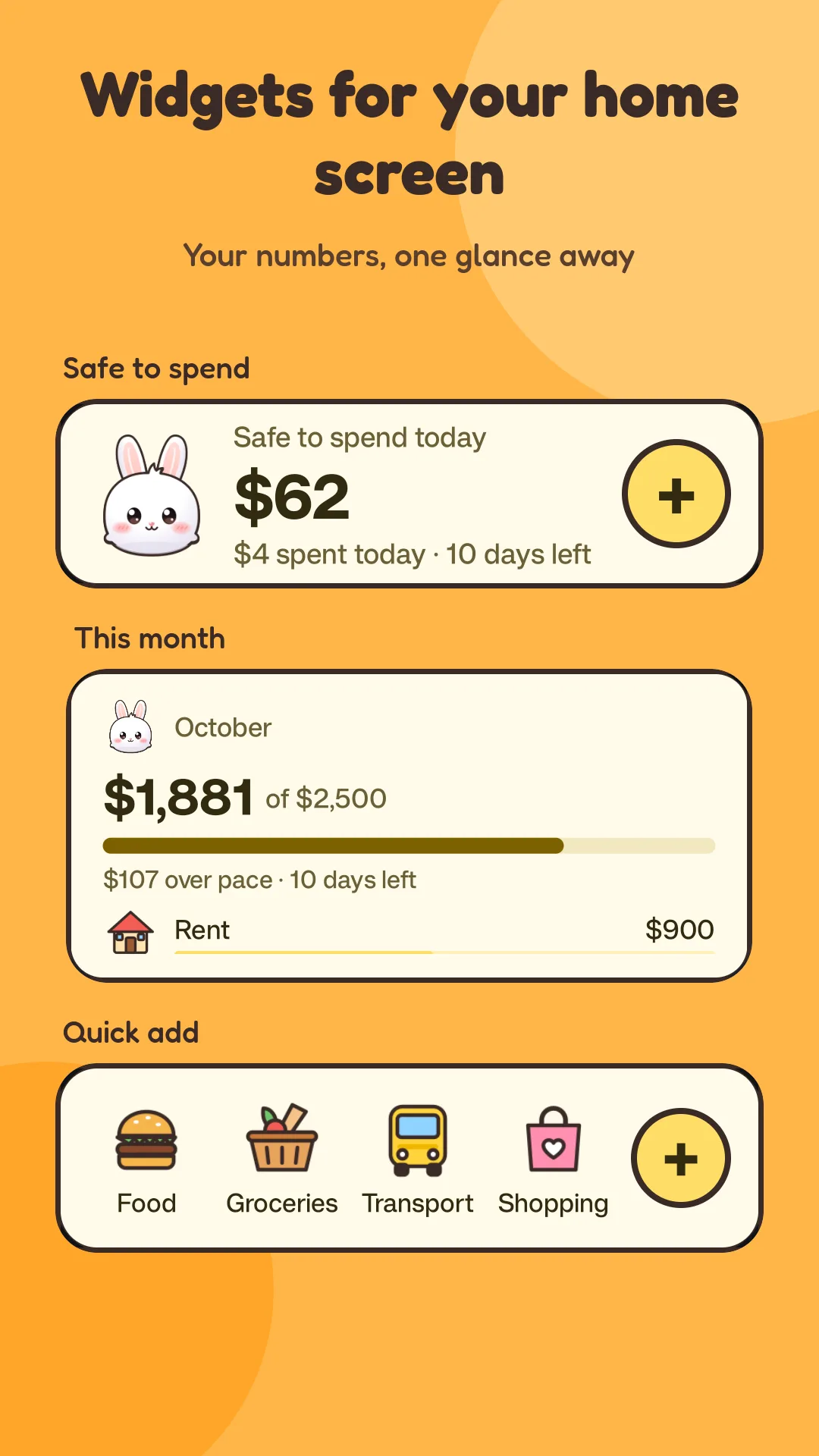
Monthly and weekly budgets per category, with alerts as you near the limit and a clear "safe to spend" number on your home screen.
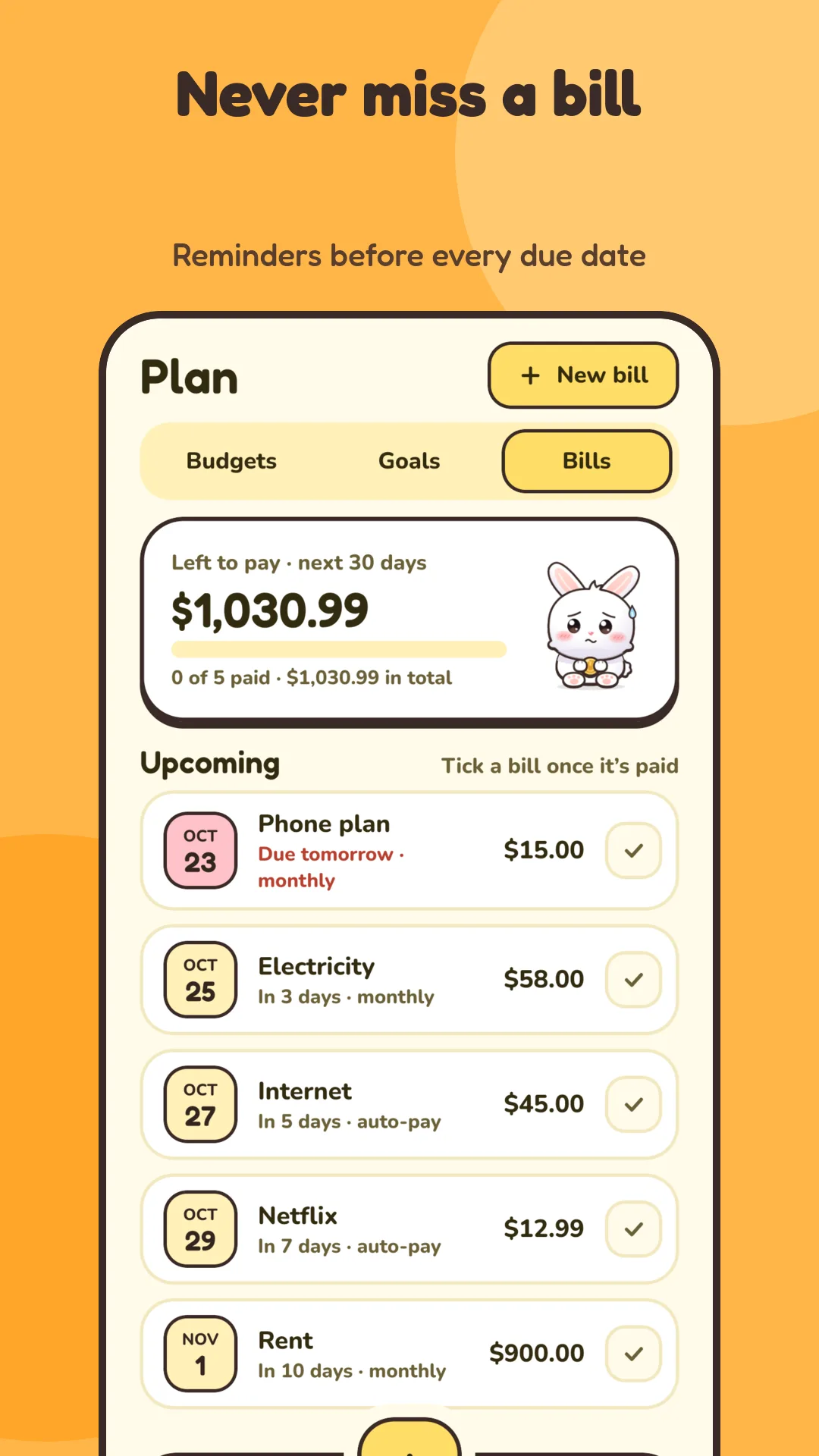
Never miss a bill
Add bills with due dates and get a reminder before each one. Mark them paid, or let auto-pay bills book themselves.
Save for what matters
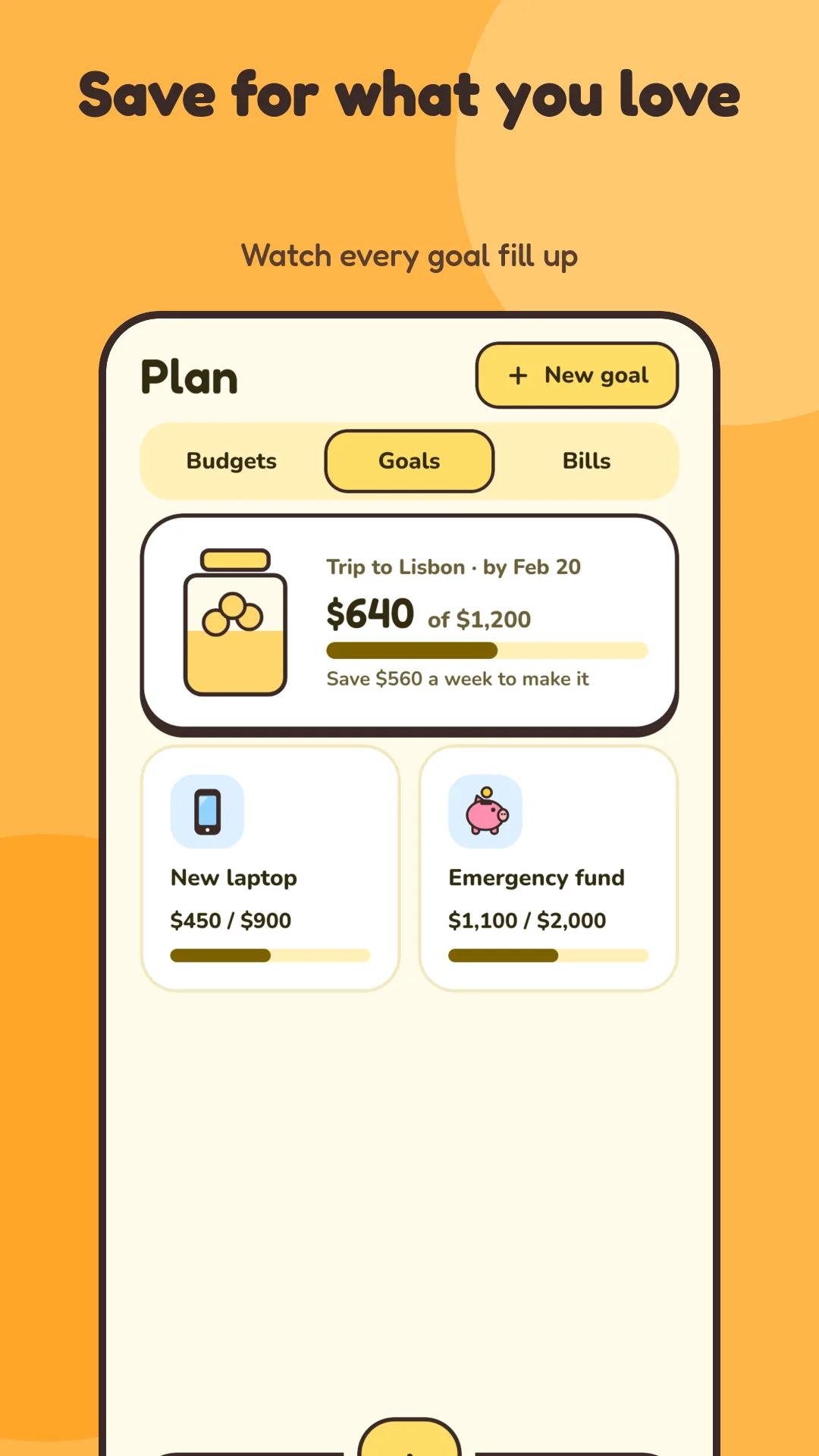
Set savings goals with a target and a deadline, and watch each goal fill up as you add to it.
Split with friends
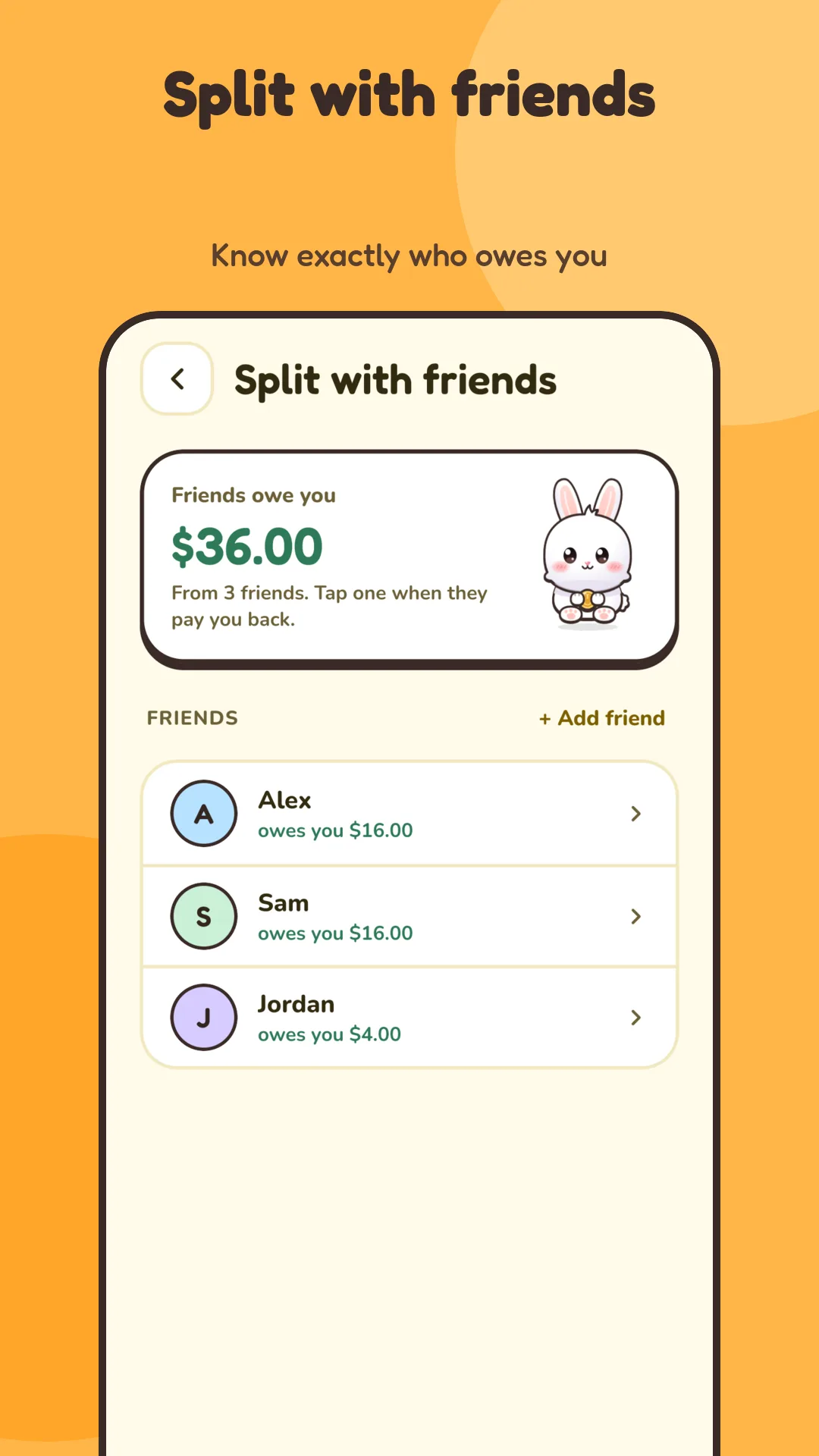
Split an expense and keep track of who owes you. Settle up into the account you choose, and your own spending stays accurate.
All your accounts
Cash, bank, savings, debit and credit card accounts. Move money between accounts without it counting as spending, and spend in other currencies.
See the patterns
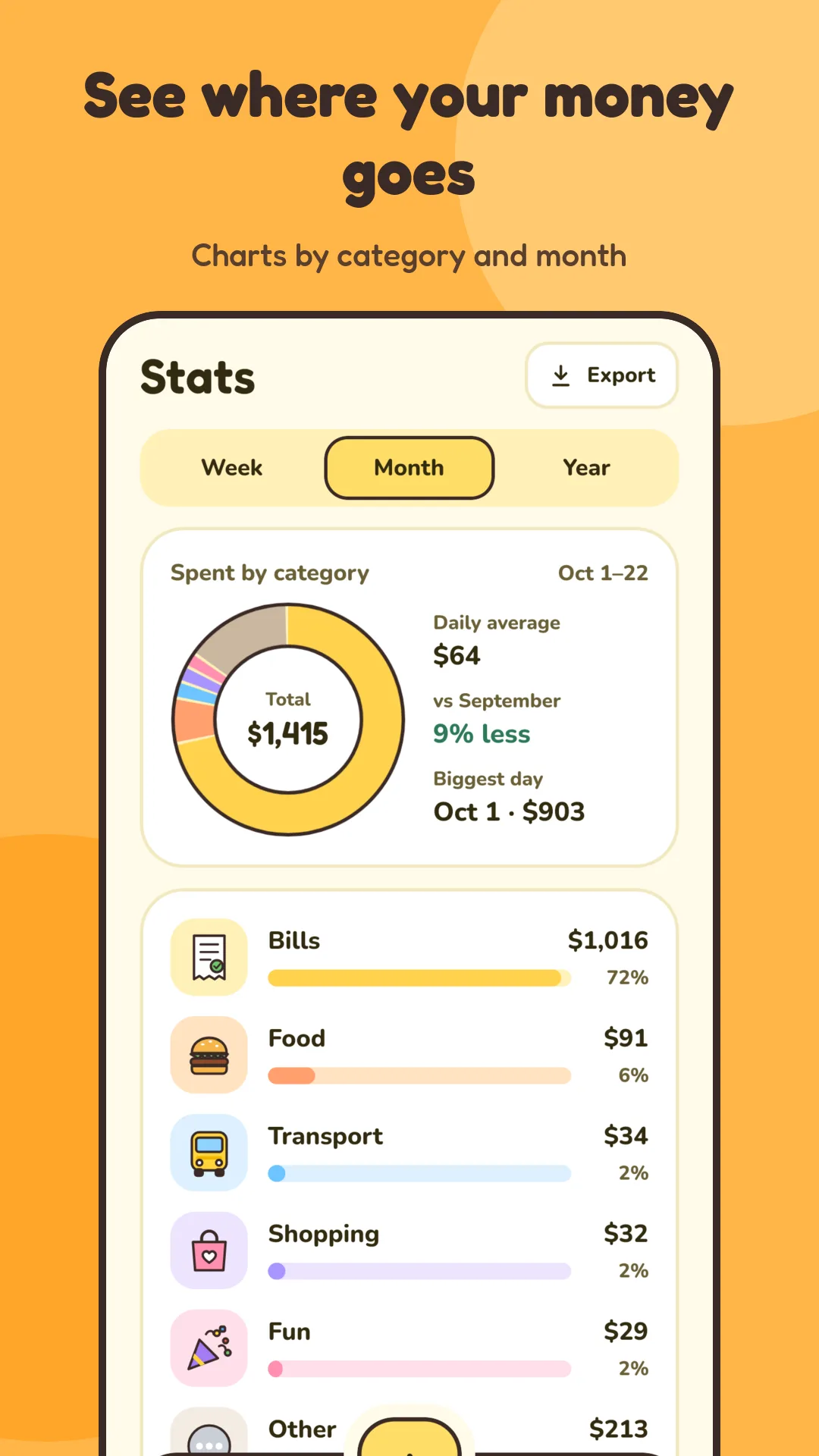
Charts by category and by period, search across every entry, and weekly and monthly recaps you can share.
Made to feel good
A hand-drawn Penny who reacts to your habits and cheers on your streaks. Light and dark looks, plus home screen widgets.
Yours to keep
Works offline with entries stored on your phone. Lock the app with fingerprint or face, and back up to a file you can restore on any phone.
Plans and pricing
Compare plans and included features. No hidden fees. Cancel anytime. Start free.
Free
- Everyday expense and income tracking
- 5 budgets, 3 goals and 5 bills
- Split expenses with friends
- Light and dark looks
- Fingerprint or face lock
- No ads
Budget Bunny Plus
- Everything in Free
- No limits on budgets, goals and bills
- Yearly reports, spreadsheet and PDF export
- Custom categories and receipts
- Any-currency conversion
- All themes, outfits and more widgets
Questions about pricing? Send me an email.
Common questions
No. There are no accounts and no sign-up, and Budget Bunny never asks for bank or SMS access. Your entries are stored on your phone.
No. There are no ads and no analytics or advertising tools in the app.
Yes. Everything you enter is stored on your phone. Only currency exchange rates are fetched online, and those requests include none of your financial data.
Back up to a file and restore it on any phone. Android's device backup may also copy the app's data to your Google account if you have it turned on.
Everyday tracking, with 5 budgets, 3 goals and 5 bills. Budget Bunny Plus removes those limits and adds yearly reports, spreadsheet and PDF export, custom categories, receipts, any-currency conversion, all themes and outfits, and more widgets.
Choose monthly, yearly or a one-time lifetime unlock. Subscriptions renew automatically and can be cancelled any time in Google Play. See Google Play for current prices.
No. Transfers between your accounts are not counted as spending, so your budgets and charts stay accurate.
Write to [email protected] with questions or ideas.
Ready to try Budget Bunny?
Meet Penny, the soft white bunny who makes tracking money feel friendly instead of stressful. It's live. Try it here.