
extension / Live
Otter Games Extension
Find a game from your browser's side panel.
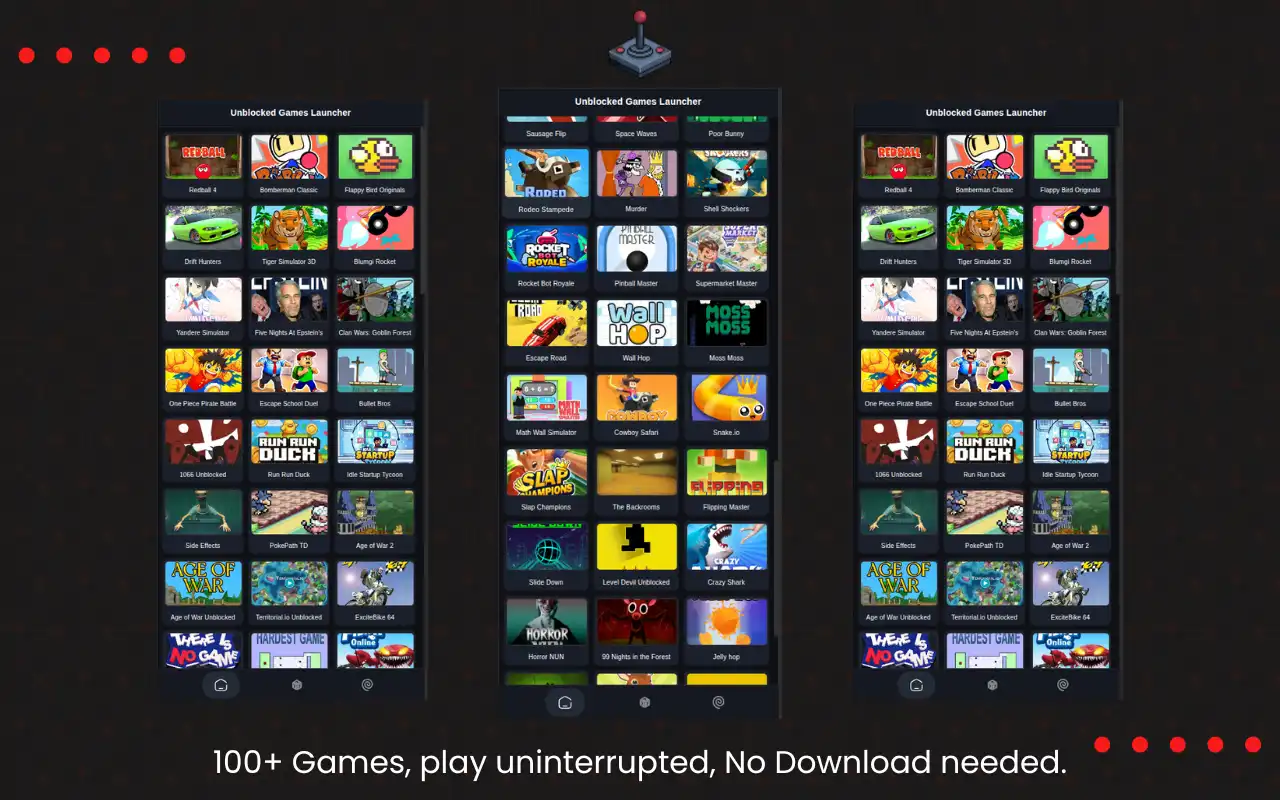
Browse 500+ free games from your browser's side panel. Pick from arcade, puzzle, action, casual, and racing games, then open your choice without losing your place. Save favorites and find something to play during a short break.
500+
Games
1000+
Chrome Users
Free
Play
Instant
Access
See it in action
Screenshots from Otter Games Extension
What it includes
Quick Access to Free Games
Browse 500+ free games from the side panel without leaving your current tab.
Play Without Downloads
Play arcade, puzzle, racing, casual, and classic games without installing anything.
Random Game Button
Can't decide what to play? Hit the random button to open a surprise game.
Open Games in a Click
Choose a game in the side panel and open it in your browser.
Focused interface
Minimal design with clear controls. Open a game in seconds.
Works in Three Browsers
Use the extension in Chrome, Firefox, or Edge. Game launch behavior varies by browser.
Built with
Common questions
No. Games open in your browser, so you do not need downloads or installations.
Yes. Otter Games is free to use, and its games have no paid upgrades.
Otter Games includes 500+ games covering arcade, puzzle, racing, action, casual, and classic web games.
Yes. Otter Games opens in the side panel, so you can keep browsing while choosing and opening games.
No. The extension does not require an account, does not collect personal data, and does not track your browsing history. See our privacy policy for complete details.
The extension only needs permission to open games in new tabs and to display the side panel. It does not access unrelated websites or collect any data.
Otter Games opens games on the provider domain and does not interfere with other websites.
We plan to expand the game library. Send game suggestions through the website.
Ready to try Otter Games Extension?
Browse 500+ free games from your browser's side panel. It's live. Try it here.